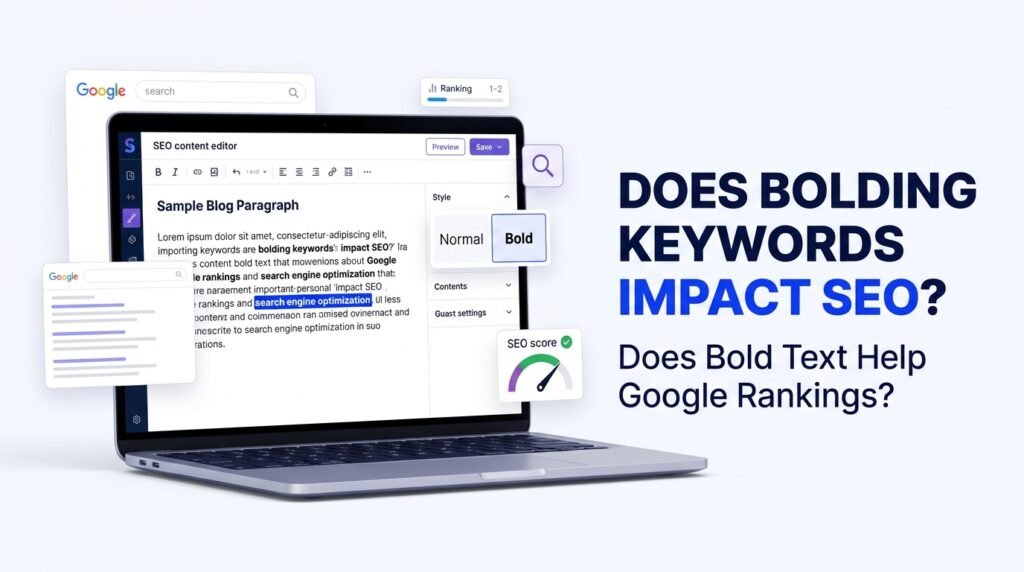
Bolding keywords does not directly improve Google rankings. Google does not provide a special ranking benefit simply because you make a word or phrase bold.
However, bold formatting can still play a useful role in SEO when applied naturally.
For example, imagine you are writing an article about keyword research. You might bold an important phrase such as keyword research when explaining its meaning or highlighting a key point.
This helps readers notice important information while scanning the page.
Search engines can also process HTML formatting and understand the structure of a webpage. However, that does not mean bolding a keyword automatically makes the page more relevant or improves its position in search results.
The real purpose of bold formatting should be to improve readability and highlight useful information, not to manipulate rankings.
Understanding how SEO works can help you focus on the factors that matter more than simple text formatting.
What Does Bolding Mean in SEO?
Bolding means making selected words or sentences appear darker and more noticeable than the surrounding text.
On websites, bold formatting is commonly created using HTML elements such as:
- <strong> — indicates strong importance.
- <b> — visually draws attention to text without necessarily expressing additional importance.
For example:
Normal text:
Keyword research helps website owners discover relevant search terms.
Bold formatting:
Keyword research helps website owners discover relevant search terms.
In the second example, the phrase “Keyword research” receives visual emphasis.
Although both elements can display bold text, they have slightly different semantic meanings in HTML.
The <strong> element communicates importance, while <b> is generally used to draw attention without adding that same meaning.
Does Google Use Bold Keywords as a Ranking Signal?
There is no reliable evidence that simply bolding keywords gives a webpage a direct ranking advantage.
Google evaluates many aspects of a webpage and its relevance to a search query. These include content quality, relevance, usability, links, and other systems.
Bold formatting alone cannot make an otherwise weak article rank higher.
For example, consider two articles targeting the same keyword:
- Article A uses the primary keyword in bold ten times but provides limited information.
- Article B uses natural formatting, answers the reader’s questions, and provides useful examples.
Article B may be more helpful even though it uses less bold formatting.
This illustrates why content quality and relevance should remain the priority.
How Does Bold Text Help SEO Indirectly?
Although bolding keywords is not a direct ranking factor, appropriate formatting can support a better reading experience.
Here are some ways it can help.
1. Improves Content Readability
Many visitors do not read every sentence on a webpage. They scan headings, paragraphs, and highlighted phrases to find the information they need.
Bold formatting can help important details stand out.
For example, in an article about local SEO, you might highlight:
- Google Business Profile
- Local keyword research
- Business listings
- Customer reviews
These phrases help readers quickly identify the main points.
2. Makes Important Information Easier to Find
Imagine reading a long article without any headings, lists, or formatting.
Finding a particular answer would take more effort.
Bold text can draw attention to definitions, important explanations, warnings, and practical recommendations.
This is especially useful in tutorials, guides, and educational articles.
3. Supports a Better User Experience
Good formatting makes content easier to navigate.
When visitors can quickly find useful information, they may have a more positive experience with your website.
However, bold formatting does not guarantee longer sessions, lower bounce rates, or better rankings. User behavior is influenced by many factors, including content relevance, page design, and whether the visitor finds the answer they need.
4. Highlights Important Terms and Concepts
You can use bold text to introduce important concepts.
For example:
Keyword difficulty is an SEO tool metric that estimates how challenging it may be to rank for a particular search term.
This makes the main concept easier to recognize without requiring the reader to search through the entire paragraph.
Should You Bold Your Primary SEO Keyword?
You can bold your primary keyword if it naturally appears in a sentence where emphasis makes sense.
However, there is no SEO requirement to bold your primary keyword.
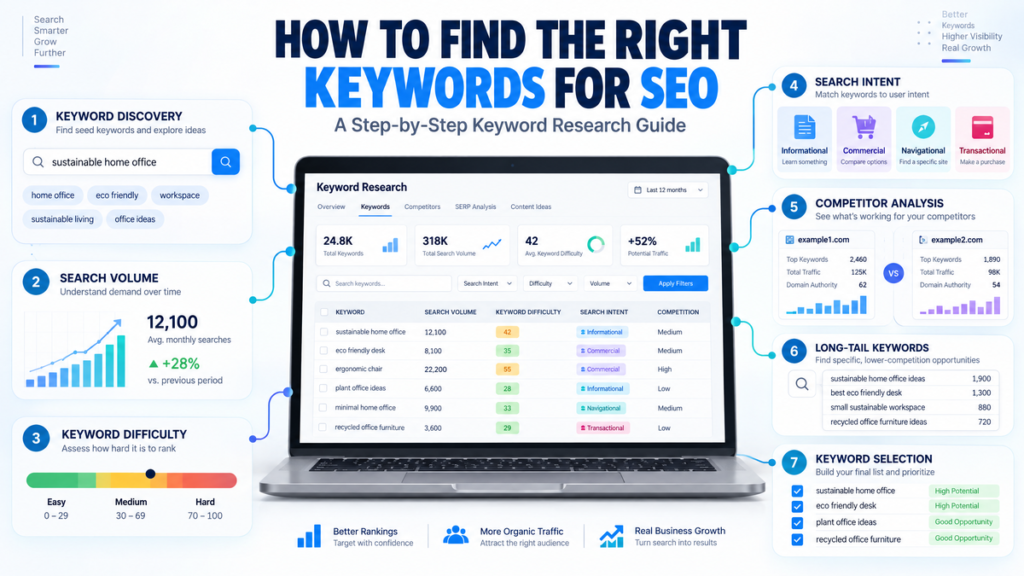
For example, suppose your target keyword is “how to find the right keywords for SEO.”
You could write:
“Learning how to find the right keywords for SEO can help you create content that matches what your audience is searching for.”
This is perfectly reasonable if the phrase deserves emphasis in that context.
But you do not need to bold the same phrase every time it appears.
A natural article may use the primary keyword in its title, introduction, relevant headings, and body text without repeatedly highlighting it.
If you are unsure how many keywords to target on a page, read our guide on how many keywords you should use per page for SEO.
How Many Times Should You Bold Keywords in an Article?
There is no fixed number of times you should bold keywords in an SEO article.
Google does not provide a recommended bold-keyword count or percentage.
The number of bold phrases should depend on your content and how much emphasis is genuinely needed.
For example, a 1,500-word tutorial might contain several highlighted definitions and important points. Another article of the same length may need very little bold formatting.
Use these guidelines:
- Highlight information that readers should notice.
- Bold important terms when introducing or explaining them.
- Avoid highlighting every occurrence of your primary keyword.
- Do not bold entire paragraphs without a clear reason.
- Keep the formatting consistent throughout the article.
The objective is to make the page easier to read, not to reach a specific bold-word target.
Difference Between Bold, Strong, and Heading Tags in SEO
Bold text, strong text, and heading tags serve different purposes.
| HTML element | Main purpose | SEO consideration |
| <b> | Draws visual attention | No special ranking benefit |
| <strong> | Indicates important content | Provides semantic emphasis |
| <h1> | Main page heading | Helps describe the page’s main topic |
| <h2> | Main section heading | Organizes page content |
| <h3> | Subsection heading | Organizes information under an H2 |
For example:
<h1>What Is Keyword Research?</h1>
<h2>Why Is Keyword Research Important?</h2>
<p><strong>Keyword research</strong> helps you identify relevant search terms for your website.</p>
The heading elements establish the document structure, while the strong element emphasizes an important phrase within a paragraph.
Do not use bold formatting as a replacement for proper headings.
You should also understand what an SEO slug is because URL structure is another part of organizing an SEO-friendly webpage.
Best Practices for Using Bold Text in SEO Content
If you want to use bold formatting effectively, follow these practical recommendations.
1. Prioritize Readers Over Search Engines
Before making a phrase bold, ask whether it helps the reader understand the information.
If it does not add value, there is no reason to highlight it.
2. Highlight Important Information
Use bold text for definitions, key takeaways, important terms, and short recommendations.
For example:
Search intent describes the reason behind a person’s search query.
This makes the definition easier to identify.
3. Avoid Keyword Stuffing Through Bold Formatting
One common mistake is bolding the same keyword repeatedly in the hope of improving rankings.
For example:
“SEO services help businesses improve SEO. Professional SEO services provide SEO solutions through SEO strategies.”
Making every occurrence bold will not improve the quality of this paragraph.
Instead, write naturally:
“Professional SEO services help businesses improve their search visibility through technical improvements, content optimization, and relevant link-building strategies.”
4. Use Proper Heading Structure
Organize your article with meaningful H1, H2, and H3 headings.
For example:
- H1: Does Bolding Keywords Impact SEO?
- H2: How Does Bold Text Help SEO Indirectly?
- H3: Improves Content Readability
This creates a logical structure for readers and helps search engines understand how the page is organized.
5. Keep Formatting Consistent
Avoid bolding random words throughout your article.
Use a consistent approach so visitors can easily recognize definitions, important concepts, and key recommendations.
Common Myths About Bolding Keywords
There are several misconceptions about bold formatting and SEO.
Myth 1: Bolding a primary keyword improves Google rankings.
Reality: There is no established direct ranking benefit from bolding a keyword.
Myth 2: Every occurrence of a keyword should be bold.
Reality: Repeated bold formatting can make content difficult to read. Highlight only what is useful.
Myth 3: Bold text is more important than headings.
Reality: Headings organize the content structure. Bold text provides emphasis within content.
Myth 4: Using more bold keywords means better SEO.
Reality: More formatting does not automatically mean better content or higher rankings.
Myth 5: Google ignores all formatted text.
Reality: Search engines can process HTML and page structure. However, processing formatting does not mean that bold keywords receive a special ranking boost.
To understand how your pages appear in search results, explore our guide on what SERP means in SEO.
Frequently Asked Questions
Does bolding keywords help Google rankings?
Bolding keywords does not provide a direct ranking advantage. It can help readers notice important information, but content relevance, usefulness, and overall SEO quality matter much more.
Should I bold my primary keyword in every article?
No. You can bold your primary keyword when it naturally deserves emphasis, but there is no requirement to highlight it in every article.
Is <strong> better than <b> for SEO?
Neither element provides a guaranteed ranking advantage. <strong> indicates that the content is important, while <b> draws visual attention without the same semantic meaning. Choose the element that best describes your intended meaning.
Can bold text improve user experience?
Yes. When used carefully, bold text can make important information easier to find and help readers scan long articles.
Does bolding keywords increase keyword density?
Bold formatting does not change how many times a keyword appears in the text. It only changes its presentation or semantic emphasis in the HTML.
Should I bold long-tail keywords?
You can highlight a long-tail keyword when it is important to the explanation, but you do not need to bold it just because it is a target keyword.
Can too much bold text hurt SEO?
Excessive bold formatting is not automatically a Google penalty. However, it can make your content visually cluttered and harder to read. Use it only when it serves a clear purpose.
Final Thoughts
Bolding keywords is not a shortcut to higher Google rankings. While bold formatting can help highlight important phrases and make articles easier to scan, it should never replace good content, proper keyword research, or a well-organized page structure.
Instead of focusing on how many keywords you can bold, concentrate on answering your audience’s questions and presenting information clearly.
Use bold text when it genuinely helps readers, organize your content with meaningful headings, and include relevant keywords naturally.
For more practical SEO guides, keyword research tips, and digital marketing insights, explore Digital Soules.