
Introduction
Choosing the right keywords is one of the most important parts of search engine optimization. Whether you are writing a blog post, creating a service page, or optimizing a product page, keywords help search engines understand what your content is about.
However, one common question beginners ask is: How many keywords should you use on a single page for SEO?
Some people believe that adding as many keywords as possible will improve rankings. Others focus on only one keyword throughout the entire page. Both approaches can create problems when keywords are used without considering search intent and content relevance.
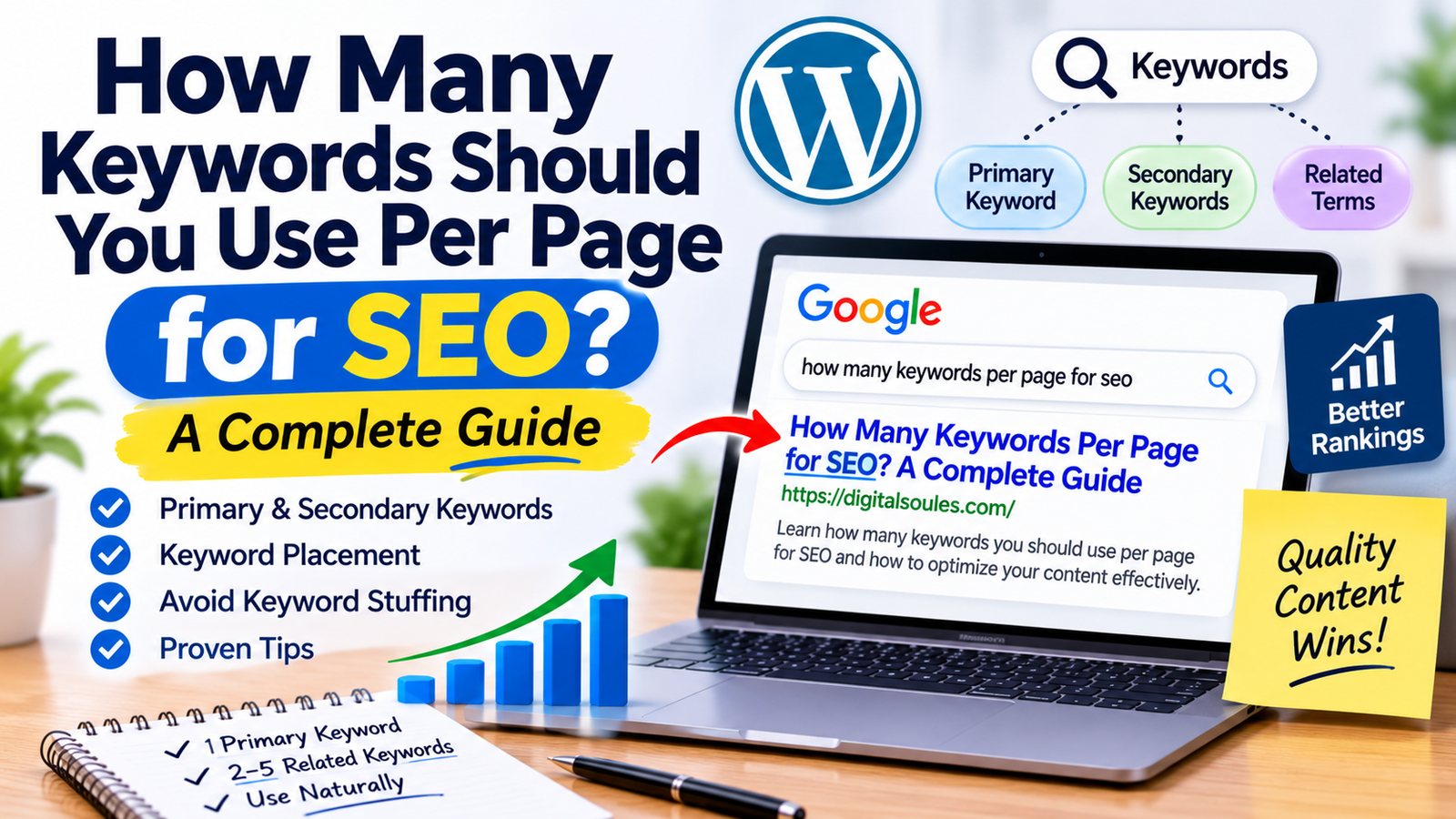
The truth is that there is no fixed number of keywords that every webpage must contain. A well-optimized page usually focuses on one primary keyword and a relevant group of secondary keywords, related terms, and search queries.
In this guide, we will explain how many keywords to use per page, how to select them, where to place them, and how to avoid keyword stuffing while creating SEO-friendly content.
How Many Keywords Should You Use Per Page for SEO?
There is no official keyword limit set by Google for individual webpages.
As a practical starting point, most pages can focus on:
- 1 primary keyword: The main search query or topic the page targets.
- 2–5 closely related secondary keywords: Relevant variations or supporting queries.
- Relevant related terms: Words, concepts, and phrases that naturally belong to the topic.
These numbers are guidelines for organizing keyword research, not Google ranking rules. A detailed guide may naturally cover many more related queries, while a focused landing page may need only a small keyword group.
For example, if you are writing an article about “How to Improve Website Speed,” your keyword plan might look like this:
| Keyword Type | Example |
| Primary keyword | How to improve website speed |
| Secondary keyword | Improve website loading speed |
| Secondary keyword | Website speed optimization |
| Secondary keyword | Make a website faster |
| Related term | Page loading time |
| Related term | Core Web Vitals |
| Related term | Image compression |
All these terms support the same overall topic.
The objective is not to repeat every keyword a certain number of times. It is to create a useful page that answers the questions people have about the subject.
What Is the Difference Between Primary and Secondary Keywords?
Before deciding how many keywords to use, you should understand the difference between primary and secondary keywords.
1. Primary Keyword
A primary keyword is the main search query you want a webpage to be relevant for.
It represents the central topic of your content.
For example, if your article is about choosing keywords for a webpage, your primary keyword could be:
How many keywords per page for SEO
Your title, introduction, main headings, and content should clearly communicate this topic.
2. Secondary Keywords
Secondary keywords are closely related search queries that support the primary topic.
They may represent different ways people search for the same information or additional questions they expect the page to answer.
For the same article, secondary keywords could include:
- How many SEO keywords should I use?
- Keywords per webpage
- How many keywords should a blog post have?
- SEO keyword placement
- Primary and secondary keywords
These variations can help you cover the topic naturally without creating separate pages for every slightly different search query.
3. Related Keywords and Terms
Related terms provide additional context to your content.
For example, an article about keyword research might naturally mention:
- Search intent
- Search volume
- Keyword difficulty
- Organic traffic
- Search engine results
- Long-tail keywords
These terms help explain the subject in a meaningful way. You should include them when they are relevant, not simply because they appear in a keyword tool.
Why Should You Avoid Targeting Too Many Keywords on One Page?
Targeting several closely related keywords is generally useful. However, trying to target too many unrelated keywords on one page can make the content confusing.
Here are some common problems.
1. Your Content May Lose Its Main Focus
Imagine creating one webpage targeting all these topics:
- Website design
- SEO services
- Social media marketing
- Email marketing
- PPC advertising
- Website hosting
These subjects are related to digital marketing, but they represent different search needs.
Trying to cover all of them on one page may prevent you from answering any of them properly.
A better approach is to create separate pages for distinct topics and connect them through internal links.
2. You May Attract the Wrong Audience
Keywords should match the purpose of your webpage.
For example, someone searching for “free keyword research tools” probably wants a list of tools or a comparison.
If your page only promotes a paid SEO consulting service, it may not satisfy that search intent.
Choosing relevant keywords helps attract visitors who are more likely to find your content useful.
3. You May Create Unnecessary Keyword Repetition
Adding too many keyword variations can make sentences sound unnatural.
For example:
“Use the best SEO keywords for SEO content because SEO keywords help your SEO website rank for SEO keywords.”
This is keyword stuffing, not good optimization.
Write naturally and use keyword variations only when they make sense.
4. You May Create Keyword Cannibalization
Keyword cannibalization can occur when multiple pages on the same website target the same or very similar search intent without a clear distinction.
For example, imagine publishing three articles:
- How to Find SEO Keywords
- Best Ways to Find SEO Keywords
- SEO Keyword Research Guide
If all three pages answer essentially the same question, they may compete for similar searches.
This does not mean that multiple pages can never rank for related terms. The problem is unnecessary overlap and unclear page purpose.
A keyword map can help you assign a primary topic and search intent to each important URL.
How to Choose the Right Number of Keywords for a Page
Instead of selecting an arbitrary number of keywords, follow a structured keyword research process.
Step 1: Understand the Page’s Purpose
Start by deciding what the page should accomplish.
Is it:
- An informational blog post?
- A product page?
- A service landing page?
- A category page?
- A location-based page?
- A comparison article?
The page type influences which keywords are relevant.
For example, a blog post about keyword research may target informational searches, while an SEO service page may focus on commercial searches.
Step 2: Find Your Primary Keyword
Choose one main keyword that accurately describes the page.
Consider:
- Relevance to your content
- Search intent
- Search volume
- Competition
- Business value
- Audience needs
Do not select a keyword simply because it has the highest search volume.
A lower-volume keyword with clear relevance may attract more useful visitors.
Step 3: Research Secondary Keywords
Use keyword research tools to discover closely related queries.
You can find keyword ideas through:
- Google Keyword Planner
- Google Search Console
- Ahrefs
- Semrush
- Ubersuggest
- Google autocomplete
- Google’s related searches
- People Also Ask questions
Look for terms that support the same page topic.
Step 4: Group Keywords by Search Intent
Not every related keyword belongs on the same page.
For example, consider these searches:
| Keyword | Likely Search Intent |
| What is keyword research? | Informational |
| How to do keyword research | Informational |
| Best keyword research tools | Commercial investigation |
| Ahrefs pricing | Transactional / commercial |
| Ahrefs alternatives | Commercial investigation |
Some of these topics may deserve separate pages because users expect different information.
Group keywords together when they share a similar search intent and can be answered effectively by one page.
Step 5: Check the Search Results
Search your primary keyword in Google and review the pages currently appearing in the results.
Look at:
- Content formats
- Common topics
- Search intent
- Questions being answered
- Types of websites ranking
- Relevant SERP features
This helps you understand what users expect when searching for your topic.
To learn more about how Google displays results, see our guide on what SERP means in SEO.
Step 6: Create a Keyword Map
A keyword map assigns target keywords to specific website pages.
For example:
| Website Page | Primary Keyword | Secondary Keywords |
| Blog article | How many keywords per page for SEO | Keywords per webpage, SEO keyword count |
| Service page | SEO consulting services | SEO consultant, SEO strategy consulting |
| Guide | What is keyword research | Keyword research process, keyword analysis |
| Product page | SEO software | SEO platform, SEO analysis software |
This makes your website’s keyword targeting more organized and reduces unnecessary overlap between pages.
Where Should You Place Keywords on a Webpage?
After selecting your keywords, the next step is to use them naturally throughout the content.
Here are the most important areas to consider.
1. SEO Title
Include your primary keyword naturally in the SEO title when appropriate.
For example:
“How Many Keywords Per Page for SEO? Complete Guide”
The title should accurately describe the content and help users understand what they will find.
2. H1 Heading
Your H1 heading introduces the main topic of the page.
It can be similar or identical to your SEO title.
For example:
“How Many Keywords Should You Use Per Page for SEO?”
3. Introduction
Mention the main topic naturally in the opening section.
This helps readers understand the purpose of the article immediately.
Avoid forcing the exact keyword into every introductory sentence.
4. Subheadings
Use secondary keywords in H2 and H3 headings when they help organize the information.
For example:
- What Are Primary and Secondary Keywords?
- How to Choose Keywords for a Page
- Where Should You Place SEO Keywords?
Subheadings should describe the section rather than simply repeat keyword variations.
5. Main Content
Use relevant keywords and related concepts throughout the article where they fit naturally.
Focus on answering the user’s questions instead of meeting a keyword repetition target.
6. URL Slug
Create a short, descriptive URL that reflects the page topic.
For example:
example.com/how-many-keywords-per-page/
Avoid adding unnecessary keyword variations to the URL.
You can learn more in our guide on what an SEO slug is.
7. Image Alt Text
When an image communicates useful information, write descriptive alternative text that explains what the image shows.
Include a keyword only when it accurately describes the image.
Do not use alt text as a place to insert multiple keywords.
8. Internal Links
Use descriptive anchor text when linking to relevant pages on your website.
For example, if you mention search engine optimization fundamentals, you can naturally link to our guide on what SEO is and how it works.
Internal links help visitors discover related information and help search engines understand how your pages are connected.
Does Keyword Density Matter in SEO?
Keyword density refers to the percentage of times a keyword appears in a piece of content compared with the total word count.
For example, if a 1,000-word article contains a keyword 10 times, its keyword density is approximately 1%.
However, there is no ideal keyword density percentage that Google requires websites to follow.
You do not need to maintain a keyword density of 1%, 2%, or any other fixed number to rank.
Instead, focus on:
- Clear and useful content
- Natural language
- Search intent
- Relevant topic coverage
- Proper content organization
- Accurate information
If your keyword appears naturally in the title, introduction, and relevant sections, that may be enough. There is no need to repeat it just to reach a numerical target.
How Many Keywords Should You Use in a Blog Post?
The number depends on the topic, search intent, and depth of the article.
Here are some practical examples.
| Content Type | Suggested Keyword Approach |
| Short blog post | 1 primary keyword and a few related terms |
| Detailed guide | 1 primary keyword and a broader group of relevant secondary keywords |
| Product page | 1 main product or category topic with relevant variations |
| Service page | 1 main service keyword and closely related service terms |
| Location page | 1 primary service-and-location topic with relevant local variations |
These are planning guidelines, not strict limits.
A 500-word article may cover its topic effectively with a small keyword group. A detailed 2,500-word guide may naturally address dozens of related searches.
The important question is not how many keywords you can fit into a page. It is how completely and clearly you answer the user’s search.
Common Keyword Targeting Mistakes to Avoid
Even when you understand keyword research, some mistakes can weaken your content strategy.
1. Targeting Too Many Unrelated Keywords
Do not combine several unrelated topics just to increase the number of keywords assigned to one page.
Create separate pages when users have clearly different search needs.
2. Repeating the Primary Keyword Excessively
Avoid unnatural repetition.
Your content should be written for people, not search engine keyword counters.
3. Ignoring Search Intent
A keyword may have good search volume but still be unsuitable for your page.
Understand what users expect before selecting it.
4. Choosing Keywords Only by Search Volume
High-volume keywords can be highly competitive and may not always bring relevant visitors.
Consider relevance, difficulty, intent, and business value.
5. Creating Multiple Pages for Nearly Identical Keywords
Before creating a new page, check whether an existing article already covers the same search intent.
Sometimes updating and improving an existing page is better than publishing another similar article.
6. Forgetting to Update Your Keyword Strategy
Search behavior and competition can change.
Review your important pages periodically and use performance data to identify new opportunities.
Frequently Asked Questions About How Many Keywords to Use Per Page
1. How many keywords should I use on one page for SEO?
There is no fixed limit. A practical approach is to focus on one primary keyword, a few closely related secondary keywords, and other relevant terms that naturally support the topic.
2. Can I target multiple keywords on one page?
Yes. You can target multiple keywords on one page when they share a similar topic and search intent. For example, “how to improve website speed” and “make a website faster” may be covered by the same guide.
3. Should every webpage have one primary keyword?
Assigning one primary keyword or topic to each important page is a useful way to organize your SEO strategy. You can still target several related search queries through the same page.
4. How many keywords should a 1,000-word article have?
There is no required number for a 1,000-word article. Choose a primary keyword and include relevant supporting terms based on the subject and questions your audience expects you to answer.
5. Can using too many keywords hurt SEO?
Using too many keywords unnaturally can result in keyword stuffing and poor-quality content. Targeting unrelated topics can also make a page less focused. Use keywords naturally and prioritize helpful information.
6. What is the difference between primary and secondary keywords?
A primary keyword represents the main topic of a webpage. Secondary keywords are related search queries and variations that help support the main topic.
7. Should I use the same keyword on multiple pages?
You can mention the same keyword across multiple pages when it is relevant, but avoid creating several pages that target the same search intent without a clear purpose. Give each important page a distinct topic and role.
8. Does Google count how many times a keyword appears?
Google uses many signals to understand webpage content, but it does not publish a required keyword count or ideal keyword density. Focus on relevance, clarity, and useful content rather than repetition.
Final Thoughts
There is no perfect number of keywords that every webpage needs to rank in Google. The best approach is to choose one primary keyword, identify relevant secondary keywords, and organize your content around the search intent behind those queries.
Avoid keyword stuffing, unnecessary repetition, and targeting unrelated topics on a single page. Instead, focus on creating helpful content that answers users’ questions and provides clear information.
A well-planned keyword strategy also helps you organize your website, connect related articles through internal links, and avoid unnecessary content overlap.
If you want to learn more about keyword research, on-page optimization, and practical SEO strategies, explore the guides and resources available at Digital Soules.



