
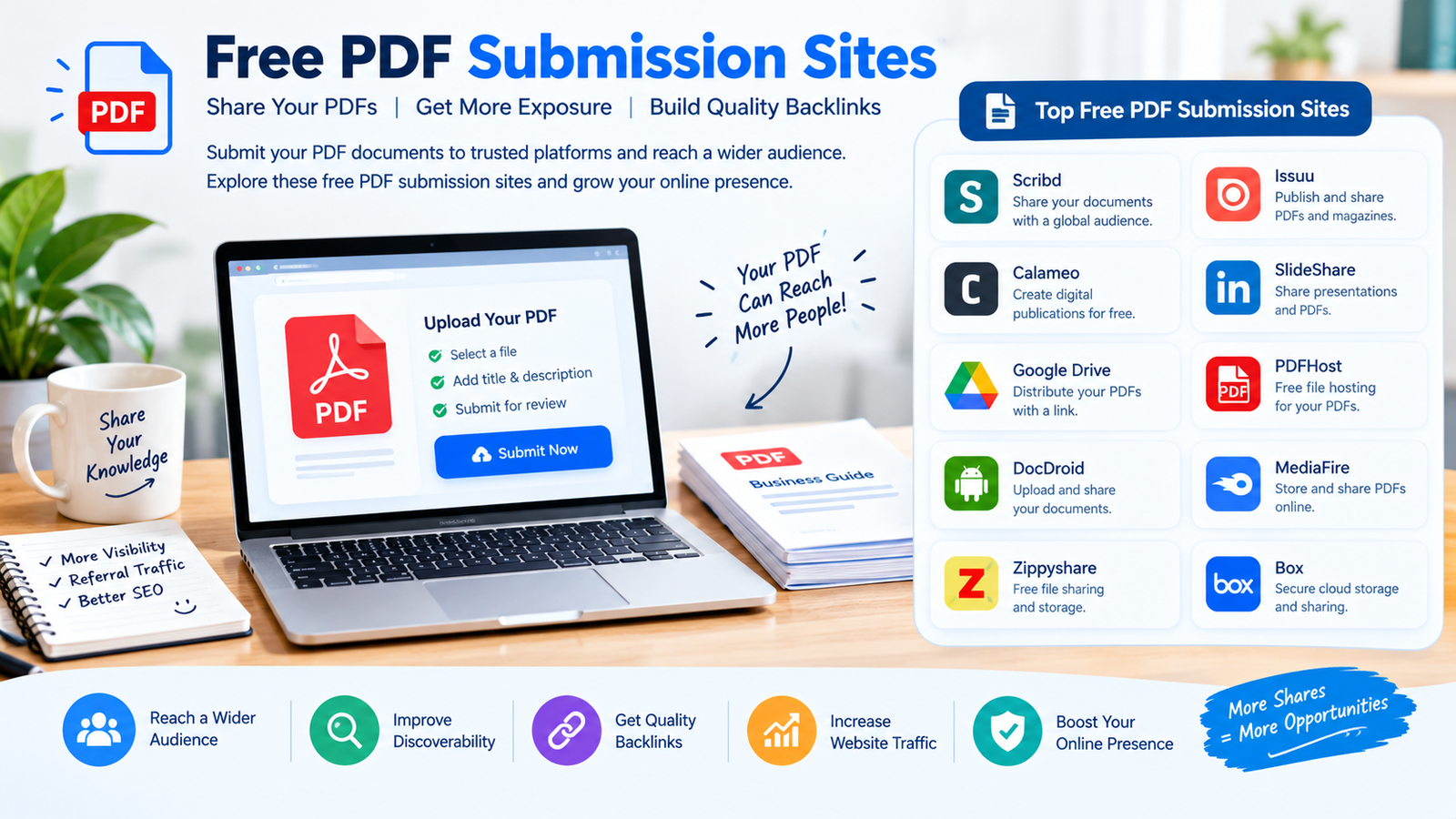
Free PDF submission sites let you upload a Portable Document Format (PDF) file and get a public page that search engines can crawl. Most give you a link back to your site from inside the document. We checked 50 of them on 13 October 2026. Every site on this list loaded and still accepts free uploads.
This list covers 50 sites where you can upload a PDF without paying. Each one was opened and checked by hand on 13 October 2026. Sites that were dead, parked, or had moved their sharing feature behind a paid plan were removed, not listed with a warning.
What is PDF submission in SEO?
PDF submission means you take a document you already own, such as a guide, a price list, a case study, or a brochure, and upload it to a public sharing site. The site hosts your file and builds a page around it. That page has a title, a description, and often the full text of your document.
The link value comes from inside the file and from the description box. You put your website address in the document and in the summary. People who find the document can click through to you. Search engines can crawl the hosting page and, in many cases, the PDF itself. This is one of the older tactics in off page SEO, and it sits next to work like directory submission sites in most link building plans.
Quick answer: PDF submission is uploading a document to a public sharing site so the file gets its own crawlable page and carries a link back to you.
50 free PDF submission sites that are live right now
Domain Rating is a 0 to 100 score from Domain Rating by Ahrefs, pulled on 13 October 2026. A higher number means the domain carries more link authority. It is not a Google score and it is not the same as Moz Domain Authority.
All links checked on 13 October 2026.
If you want a wider pool with different sites, see our main list of the best PDF submission sites and our round up of document sharing and PDF submission sites. Those two pages cover the broader topic. This page sticks to the free ones only.
How to submit to free PDF submission sites step by step
- Pick a document worth sharing. Use something a stranger would actually read, such as a how to guide, a checklist, a product spec sheet, or a short research summary. A thin sales flyer gets ignored and sometimes removed.
- Make the text real text. Open the file and try to select a sentence with your mouse. If you cannot select it, the page is an image and the words are invisible to search engines. Fix that before you upload anything.
- Fill in the document properties. Set the title field inside the file. Most tools keep this under File, then Properties. An empty title field means the hosting site often shows your file name instead.
- Rename the file. Use words, not a camera code. A name like free-pdf-submission-guide.pdf tells a crawler what the file is about. A name like scan0042.pdf tells it nothing.
- Add a clickable link inside the document. Put your website address on the first page and the last page. Make it a real link, not plain text that someone has to retype.
- Create your account and upload. Use a real name and a working email. Confirm the email before you try to upload, because several of these sites block uploads until you do.
- Write the title and description on the site. Do not paste the same paragraph on all 50 sites. Write two or three versions and rotate them. Put your main topic in the first sentence.
- Save the live page address. Keep a sheet with the site name, the page address, and the date. You need this to check later whether the page is still up.
Quick answer: Upload a document with real selectable text, a filled in title field, a descriptive file name, and a clickable link to your site on the first page.
What makes a PDF submission stick
The document answers a real question
Files that survive are the ones people search for. A pricing guide, a template, or a step by step checklist keeps earning views for years. A company history gets one view and dies.
The text is selectable, not a picture
If the words are part of an image, there is nothing for a crawler to read. The page may still rank for your title, but the body of the document adds nothing.
The link is in the document and the description
Put your site address in both places. If the platform strips links from the description box, the one inside the file still works for a human reader.
The upload is not a copy of 49 others
Uploading the identical file with the identical description to every site on a list is the fastest way to get flagged. Change the title, change the summary, and skip sites where your document does not fit.
You go back and check it
Free hosting disappears. Check your saved sheet every few months. If a page is gone, upload the file somewhere else and move on.
Mistakes that get your PDF submission rejected
- Uploading a scan with no text layer. Many sites reject image only files because they cannot build a preview or a text page from them.
- Stuffing keywords into the description. Repeating your main phrase eight times in a summary box reads as spam to a moderator and to a search engine.
- Uploading someone else’s document. Copyright reports get files deleted and accounts closed. Only upload work you own or have permission to share.
- Using a throwaway email. Several platforms block disposable email domains at signup, and others delete accounts that never confirm.
- Making the whole file one big advert. Research and education platforms reject pure promotion. Give real information and keep the pitch to one line.
- Uploading to the wrong kind of site. A brochure on a preprint server will be removed. Academic repositories expect research, not marketing.
- Posting 50 uploads in one afternoon. A brand new account with a burst of identical files looks automated. Spread the work over a few weeks.
How to make a PDF indexable
A PDF only helps you if a search engine can read it. Google lists PDF among the file types it can index, and it treats the format as an encoded file that needs a parser to pull out the readable text. You can read the current list in the Google Search Central documentation on indexable file types. Five things decide whether your file is readable.
Real text, not a scan. Open the file and drag your cursor across a line. If the text highlights, it is real text. If nothing highlights, every word in that document is a picture and the crawler sees an empty page.
A filled in title field. Every PDF carries file metadata, including a title field that sits separate from the words on page one. Many tools leave it blank or fill it with the name of the template you used. Set it to a short, clear title, because search engines and sharing sites often use it as the page heading.
A descriptive file name. The file name appears in the web address of the hosted page. Words help. A name like pdf-submission-checklist.pdf is a small, free signal. A name like doc1final.pdf wastes it.
A clickable link inside the document. Add your website address as a real link, not typed text. Most editors do this when you insert a link or when you type the full address and press space. A clickable link gets followed by readers and can be seen when the file is parsed.
Optical character recognition when the file is a scan. Optical character recognition (OCR) reads the letters in an image and writes them back into the file as text. You need it whenever your only copy is a photograph or a scan from a printer. Run OCR, then test the file again by trying to select a sentence. If you can select it, the document is ready to upload.
Quick answer: A PDF is indexable when its text can be selected, its title field is filled in, its file name uses real words, and any scanned pages have been run through OCR.
Do PDF submission links still work in 2026?
Yes, but not in the way old guides promise. Here is the honest version.
What these links do: they put a crawlable copy of your document on a strong domain. They can send real referral clicks when the document is genuinely useful. They give you a branded page you control the content of. On platforms with an audience, such as Scribd, Issuu, and Academia.edu, a good document keeps getting found for years.
What these links do not do: they do not move you up the rankings on their own. Most of these platforms use nofollow or similar attributes on user added links, so the usual link value is limited or absent. A page that sits on a strong domain is not the same as a strong page. Your uploaded file starts with no links of its own.
Treat PDF submission as distribution first and link building second. It belongs in a plan next to directories, guest posts, and digital public relations, not as a replacement for them. If you want a plan that puts these pieces in the right order, that is what our professional SEO services are built around. Nobody can promise a ranking from a document upload, and anyone who does is guessing.
Frequently asked questions
where can i upload a pdf for free
Scribd, Issuu, Speaker Deck, Internet Archive, Zenodo, and figshare all take free uploads and give your file a public page. Scribd states on its home page that you can upload for free. Internet Archive and Zenodo are free archives. For a simple link with no account at all, PDFHost.io states that no account or email address is required.
do pdf files rank in google
Yes. Google lists PDF as a file type it can index. A PDF can appear in search results like a normal page. It needs selectable text, because an image only scan gives the crawler nothing to read. The hosting page around your file can also rank on its own title and description.
are pdf submission backlinks dofollow
Usually not. Most large sharing platforms apply nofollow or similar attributes to links that users add. Some pass value from links inside the document body, but this changes without notice. Check the markup on your own live page after you upload. Do not trust a list that claims every site is dofollow.
is pdf submission good for seo
It is useful, but it is a small piece. It gets your document on a crawlable, high strength domain and can send real clicks from readers. It will not lift your rankings by itself. Treat it as a way to distribute content you already have, not as your main link building method.
how many pdf submission sites should i use
Ten to fifteen good ones beat fifty rushed ones. Choose platforms where your document actually fits the audience. Write a fresh title and description for each. Spread the uploads over a few weeks, because a new account that posts fifty identical files in one day looks automated.
what is the difference between pdf submission and document sharing
They overlap heavily. PDF submission usually means uploading for a backlink and a crawlable page. Document sharing usually means uploading so people can read or download the file. The sites are mostly the same, and the difference is your reason for uploading.
do i need ocr before uploading a pdf
Only if your file is a scan or a photograph of a page. Try to select a sentence with your cursor. If the text highlights, you do not need optical character recognition (OCR). If nothing highlights, run OCR first, otherwise every word stays invisible to search engines.



