
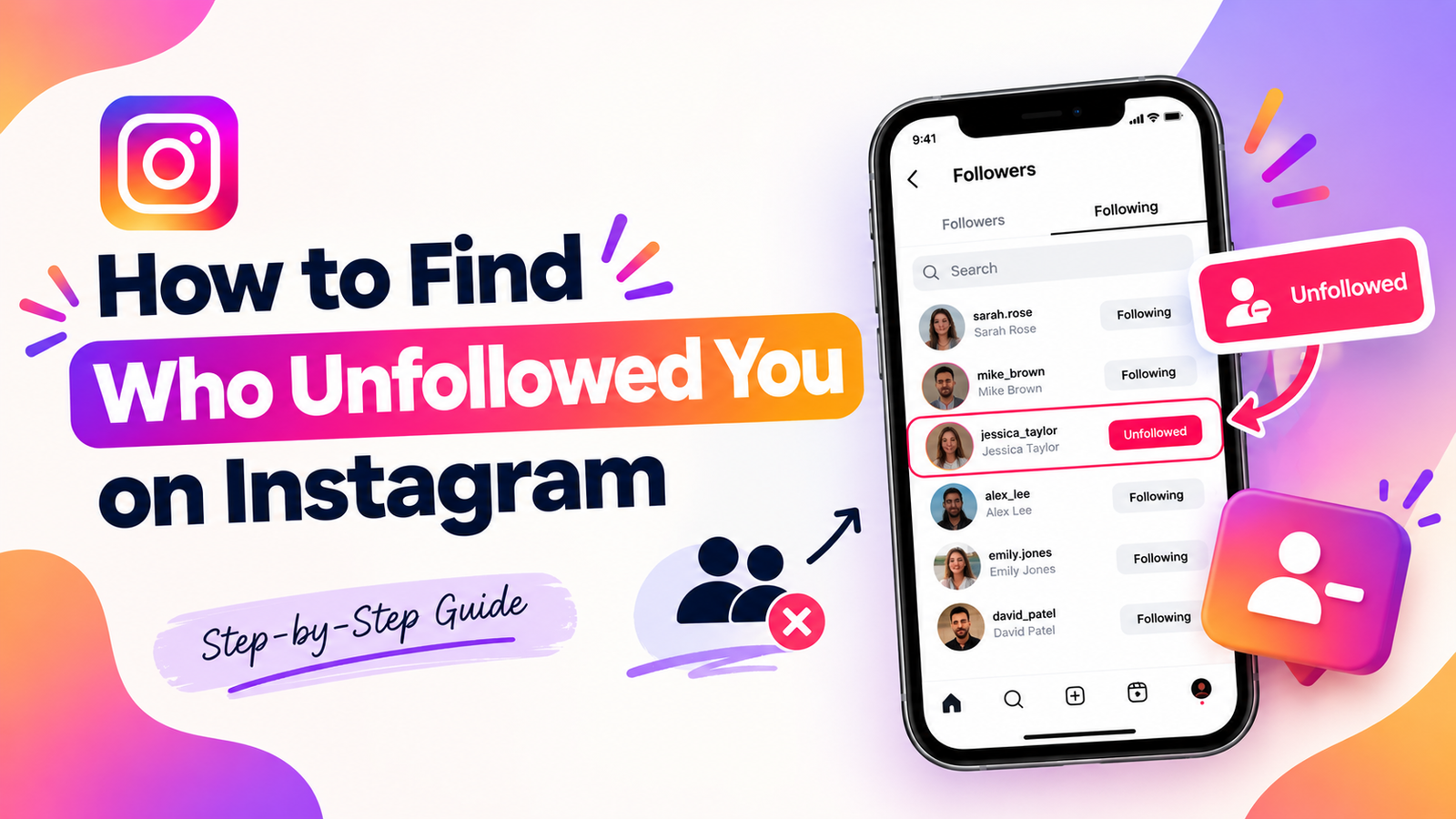
Check your Followers list to see whether someone follows you now. To spot later departures, compare older and newer copies of that list.
You need earlier evidence to establish a change. A person who doesn’t follow you back may never have followed you.
Missing names also need checking before you assume an intentional unfollow. UnfollowTool’s explainer distinguishes current relationships from changes between saved lists.
Source guidance was checked on October 6, 2026. The manual method below comes from published guides, without a firsthand interface test.
What each Instagram follower check can show
Choose the method that matches your question. Checking one person’s current status needs different evidence from tracking changes across your account.
| Your question | What to compare | What the result means |
|---|---|---|
| Do they follow me now? | Their username against your Followers list | Whether they’re currently listed |
| Who doesn’t follow me back? | Your Following list against your Followers list | Accounts you follow without a current return follow |
| Who disappeared after my earlier check? | Older Followers against newer Followers | Accounts missing between those observations |
Followers lists people following you, while Following lists people you follow.
Keep those directions clear when choosing files or checking profiles. An outgoing follow and an incoming follow are separate relationships.
Check one person through your Followers list
Use a manual check when you already have a username in mind. This avoids installing a tracker for one question.
- Open your own Instagram profile.
- Tap Followers to open your list.
- Search for the person’s exact current username.
- Check whether their account appears.
Android Authority documents this manual method. It also describes checking the other person’s Following list for your username.
Their Followers list answers the opposite question: whether you follow them. Use your Followers or their Following to check whether they follow you.
A missing name means they don’t currently appear in that list. To establish a departure, you must know they appeared before.
Check their current username before deciding what happened. A changed name or unavailable account can complicate the result.
If the relevant list isn’t accessible, leave the result uncertain. Don’t treat an inaccessible list as an empty one.
Download your Instagram information through official settings
Instagram’s official export lets you request account data without sharing your password with a follower tracker.
Meta is gradually replacing Accounts Center with Meta Account. Either label may appear during the Meta Account rollout.
The Instagram export Help page describes these Android and computer entry points.
| Device | Start here |
|---|---|
| Android app | Profile > menu at the top right > Meta Account |
| Computer | More > Settings > Meta Account |
On iPhone, select iPhone App Help on the official export page. Follow the labels shown for your account.
Continue through the shared export controls:
- Select Your information and permissions.
- Open Export your information, then choose Create export.
- Select your Instagram profile and choose Next.
- Choose Export to device.
- Select the relevant information, date range and format.
- Choose Start export.
For this task, select follower information when that choice is available. Keep a dated copy for your next comparison.
JSON is structured data for comparison tools, while HTML presents information for viewing.
The official page doesn’t guarantee particular follower filenames or folder names. Read the file contents before choosing which lists to compare.
Choosing All time doesn’t restore an earlier follower list you never saved. An export range cannot replace missing observations.
Compare two dated Followers lists
Save an earlier Followers list as your starting point. This saved starting point is your baseline.
Later, export another Followers list from the same Instagram account. Compare the earlier names with the later names.
Look for accounts present earlier but missing later. That identifies a disappearance between checks, subject to the verification steps below.
You can compare small lists manually or use a spreadsheet. Keep both original lists so you can review unexpected results.
Use matching export settings for both lists. If a date filter omits records, your comparison will be incomplete.
A fictional comparison
These invented names and dates explain the method without describing real Instagram accounts or measured results.
| Saved list | Fictional usernames |
|---|---|
| Followers on October 1 | alex, blair, casey |
| Followers on October 6 | alex, casey, devon |
| Accounts you follow on October 6 | alex, blair, casey, ellis |
Blair disappeared from Followers between October 1 and October 6. The comparison doesn’t reveal the exact time or reason.
Ellis doesn’t currently follow back, based on the current lists. Ellis never appeared in either saved Followers list.
You therefore have no evidence that Ellis unfollowed during this interval. These are different findings from different comparisons.
For your own files, label each list with its account and observation date. Compare Followers with Followers before drawing historical conclusions.
Check missing names before assuming an unfollow
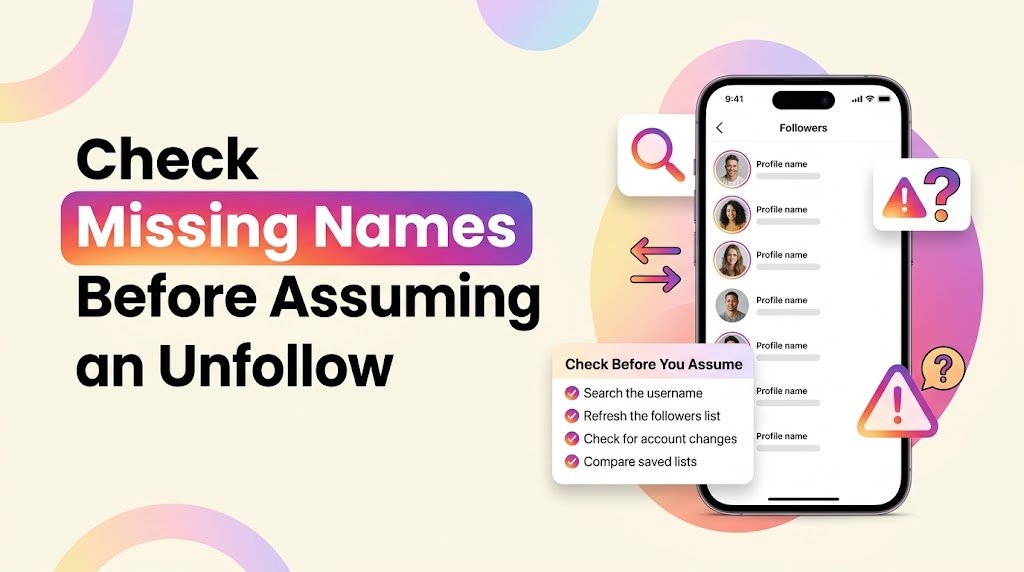
A disappearing username deserves a second check. It may reflect an account change, a relationship change or incomplete data.
CloudsPress discusses these comparison caveats. Keep this checklist beside your results:
- Check whether the person changed their username.
- Consider whether their account was deleted or deactivated.
- Consider whether blocking changed what you can see.
- Check whether you removed that follower or blocked them yourself.
- Confirm both lists belong to the same Instagram account.
- Include every follower file if your export splits the list.
A spreadsheet can identify differences between names. It cannot determine someone’s motive or resolve every account change.
Protect your account when considering unfollower apps
Avoid entering your Instagram password directly into an unfamiliar tracker. Meta warns about credential-sharing services and distinguishes them from authorized login flows.
An official authorization screen still deserves careful reading. Check which information the service requests and why it needs that access.
An export-based tool may avoid account login but ask you to upload files. Check whether processing happens locally and what the service stores.
A “no login” label doesn’t answer those privacy questions. Review the privacy and retention policy before uploading account information.
Use this short checklist before trying a tool:
- Does it ask for your password outside Instagram’s official login?
- Does it request access unrelated to comparing your lists?
- Does it explain uploads, storage and deletion?
- Does it promise history without needing an earlier observation?
Remove access you no longer need
On a computer, follow Instagram’s app-access instructions:
- Open More, then Settings.
- Choose Your app and media, then Website permissions.
- Open Apps and Websites, then Active.
- Choose Remove for the relevant service.
Removal stops continuing nonpublic access through that connection. The service may retain information it already stored.
Public information can remain accessible, and removing permission doesn’t undo a password you shared.
If you shared credentials, change your password and review unfamiliar logins. Enable two-factor authentication, an extra login check.
Meta’s Instagram security guidance recommends reviewing login activity and enabling two-factor authentication.
Instagram unfollower questions
Can I check who unfollowed me without an app?
You can check one account manually without installing anything. Broader historical checks need earlier follower evidence and a later comparison.
Can I recover unfollows from before my first saved list?
Your current list cannot show names it never recorded earlier. Treat promises of complete past history cautiously when no earlier evidence exists.
Does Instagram notify you when someone unfollows you?
iGeeksBlog reports no standard unfollow notification. A falling count still doesn’t tell you which account left.
Can Instagram Insights name my unfollowers?
Instagram Insights documents follower growth counts for eligible accounts. Those totals don’t provide a named historical unfollower list.
If you’re reviewing creator performance, also examine your post results. Our Instagram posting-time guide explains how to compare scheduling windows.
Can ChatGPT tell me exactly who unfollowed?
Any comparison needs reliable source lists. An AI tool cannot create a missing baseline, and uploading account data requires privacy consideration.
Start with your own Followers list if you’re checking one person. For ongoing comparisons, save today’s list with a clear date.For more practical SEO, social media, and digital marketing guides, visit DigitalSoules



