
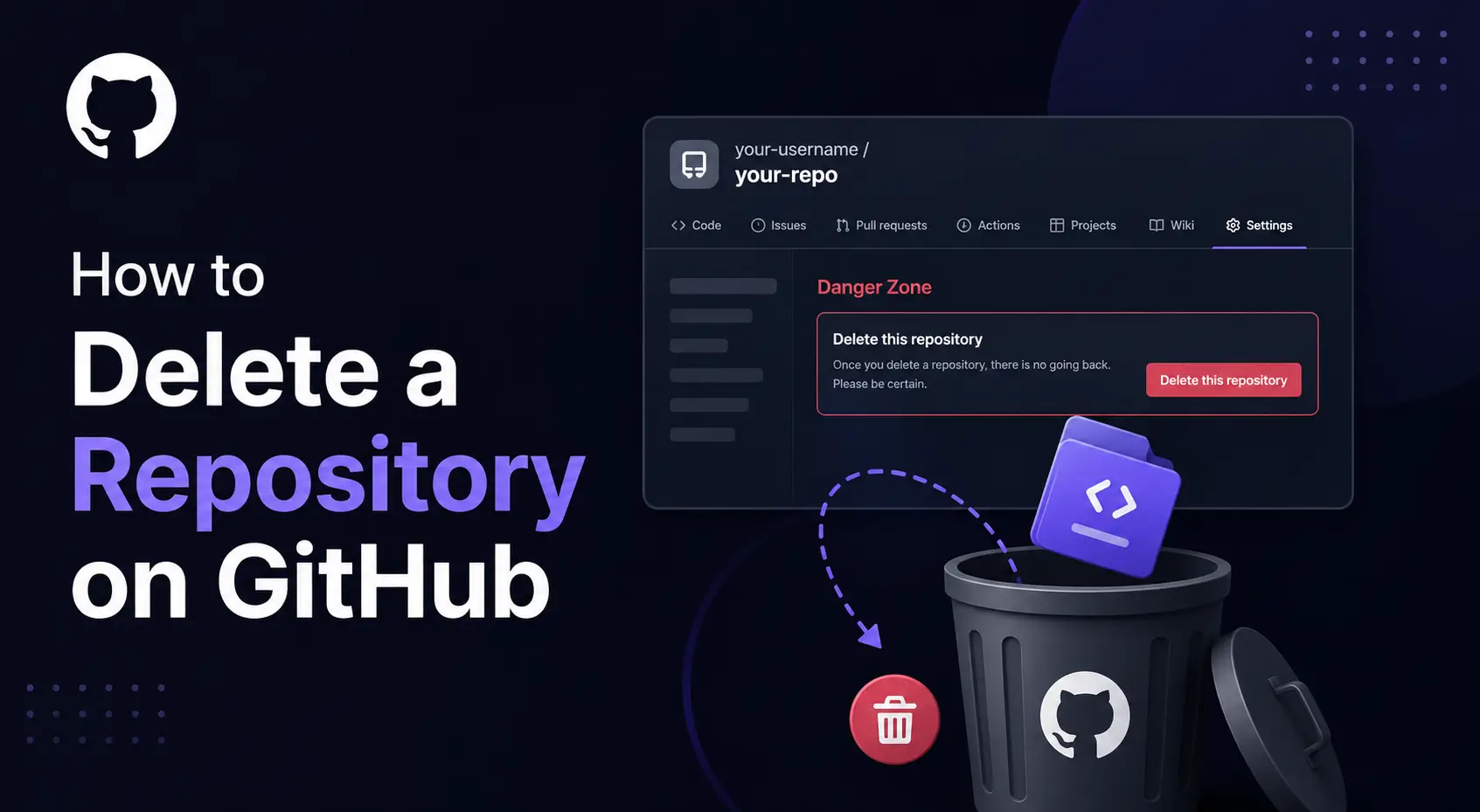
To delete a repository on GitHub, open its Settings, select General, and scroll to Danger Zone. Choose Delete this repository, then complete GitHub’s confirmation screens.
Before you confirm, check which project you’re removing and save anything you need. Deleting the hosted repository and removing a folder from your computer are separate actions.
This guide explains the website steps, command-line option, common problems, and recovery limits.
Before deleting your GitHub repository
A repository, often called a repo, stores your project’s files and Git history. GitHub also provides related features, including issues, pull requests, and a wiki.
Check the owner and your permissions
Confirm the owner and repository name at the top of the page. An organization repository belongs to the organization, even when you created it.
GitHub requires repository admin access or organization ownership for deletion. Organization and enterprise policies can restrict this permission further.
Having permission to push code doesn’t automatically give you permission to delete the project.
Save the code and project information you need
For a copy of the current files, use Code > Download ZIP. A source ZIP doesn’t provide the repository’s full Git history.
To preserve Git history and references, use a mirror clone:
git clone --mirror https://github.com/OWNER/REPOSITORY.gitReplace OWNER and REPOSITORY with your project’s actual details. Check that the clone completed and contains the branches and tags you need before deleting the hosted copy.
Git Large File Storage, or Git LFS, stores large file contents separately. If your project uses it, enter the cloned repository directory and run:
git lfs fetch --allA Git backup doesn’t preserve every GitHub feature. Save any required issues, pull request information, release assets, and settings separately.
If your project has a wiki, back up its separate Git repository too.
How to delete a repository on the GitHub website
These steps follow GitHub’s official repository deletion guide.
- Sign in and open the repository.
- Select its Settings tab. Use the tab dropdown if it’s hidden.
- Under General, scroll to Danger Zone.
- Click Delete this repository.
- Click I want to delete this repository.
- Read the warnings and select I have read and understand these effects.
- Enter the repository identifier exactly as the dialog requests.
- Click the final Delete this repository button.
Use the repository’s settings for this process. Your account settings serve a different purpose.
For example, alex/demo-site and company/demo-site belong to different owners. Check both parts before confirming.
What happens when you delete a GitHub repository?
The hosted project becomes unavailable through its repository page. Existing local clones remain on their owners’ computers.
Fork behavior depends on the repository’s visibility:
| Repository you delete | Effect on related repositories |
|---|---|
| Your fork | The original upstream repository remains. |
| A public repository | Its public forks remain. |
| A private upstream repository | Its private forks are deleted. |
A fork is another repository connected to the original project. Deleting a public original therefore doesn’t erase every existing copy.
Deletion also removes team permissions permanently. Restoring the repository later doesn’t restore those permissions.
Check any website, deployment, or automation that uses the project. It may need a replacement repository or an updated connection.
Why can’t I delete my GitHub repository?
Usually, the problem involves your account, access level, confirmation text, or organization policy.
| Problem | What to check |
|---|---|
| You can’t see Settings | Check the repository tabs’ dropdown and your access level. |
| You can’t find Delete this repository | Open repository Settings, select General, and scroll to Danger Zone. |
| The confirmation button stays disabled | Enter exactly what the dialog requests. Check spelling and extra spaces. |
| You can edit files but can’t delete the repo | Ask an owner to check whether you have repository admin access. |
| You’re an admin but deletion is blocked | Ask an organization owner to review deletion restrictions. |
| The wrong repositories appear | Check which GitHub account is signed in. |
An organization owner can review deletion controls under Settings > Member privileges > Repository deletion and transfer.
A collaborator shouldn’t assume project access includes ownership. If you only want to leave someone else’s repository, ask the owner to remove your access.
How to delete a GitHub repository using the command line
GitHub CLI, invoked with gh, can delete a hosted repository. Regular Git commands manage your local repository and its remote connections.
After installing GitHub CLI, sign in:
gh auth loginFor a standard GitHub CLI login, add the required repository deletion scope:
gh auth refresh -s delete_repoThen specify the exact repository:
gh repo delete OWNER/REPOSITORYReplace both placeholders and follow the confirmation prompt. An organization name can be the owner.
This command removes the hosted repository. Organization policies and repository permissions still apply.
For this manual workflow, keep the confirmation prompt. Adding --yes with an explicit repository argument skips it.
The command below only removes a remote connection from your local Git configuration:
git remote remove originIt leaves the repository on GitHub intact.
Can you restore a deleted GitHub repository?
GitHub allows some deleted repositories to be restored within 90 days. Eligibility depends on the repository, including its fork network.
Restore a repository from a personal account
- Click your profile picture and open Settings.
- Select Repositories, then Deleted repositories.
- Find the project and click Restore.
- Read the warning and confirm restoration.
The repository may take up to an hour to appear after deletion.
Restore an organization repository
An organization owner can open the organization’s Settings > Deleted repositories. Find the project, click Restore, and confirm.
Self-service recovery is restricted while other repositories remain connected to the project’s fork network. GitHub Support assistance for this situation requires a paid plan.
Treat restoration as a possible recovery route, not your backup plan. Team permissions require separate attention after restoration.
Should you archive or delete a GitHub repository?
Archive a project when you want to keep its history available but stop normal changes. Delete it when you intend to remove the hosted repository.
| Action | Best suited to | What it changes |
|---|---|---|
| Archive | An inactive project worth preserving | Keeps the repository and makes its contents read-only. |
| Delete | A project you intend to remove | Removes the hosted repository, subject to conditional recovery. |
| Remove a local clone | Cleaning files from your computer | Removes that local copy. |
| Remove a remote connection | Disconnecting a local project | Removes the saved connection, while the hosted repository remains. |
To archive, open Settings > General > Danger Zone > Archive this repository and complete the confirmation.
You can unarchive the project later. Archiving a public repository doesn’t hide it from public view.
Frequently asked questions
Can I delete a GitHub repository from my phone?
Use your phone’s browser to open the repository on GitHub. Follow the website steps and check the tabs’ dropdown for Settings.
If the layout is difficult to use, try your browser’s desktop-site option.
Can GitHub Desktop delete the online repository?
Removing a project from GitHub Desktop isn’t the same as deleting its hosted repository.
Use Repository > View on GitHub to open the hosted project. Then follow the website deletion steps.
Does deleting a repository delete my GitHub account?
No. A repository and a GitHub account are separate resources.
Deleting a repository doesn’t delete your account or your other repositories.
Can I delete someone else’s repository?
Only if you have the required permissions and the applicable policies allow it. Otherwise, ask the owner to handle deletion.
Can I keep my local files after deleting the GitHub repository?
Yes. Online deletion doesn’t remove files already stored on your computer.
Keep the local copy if you need it. Your old remote connection will no longer provide access to the deleted project.
Does creating a replacement repository restore the old one?
No. Creating a new repository doesn’t restore the old project’s history or GitHub records.
Check whether restoration is available first. For a replacement, upload the Git history you preserved and review its settings separately.
Choose the right action before confirming
Verify the owner, check your backup, and decide whether deletion matches your goal. Archiving is useful when you want to preserve an inactive project.
Once you’re ready to remove the hosted repository, return to its Danger Zone and complete the confirmation screens.



