
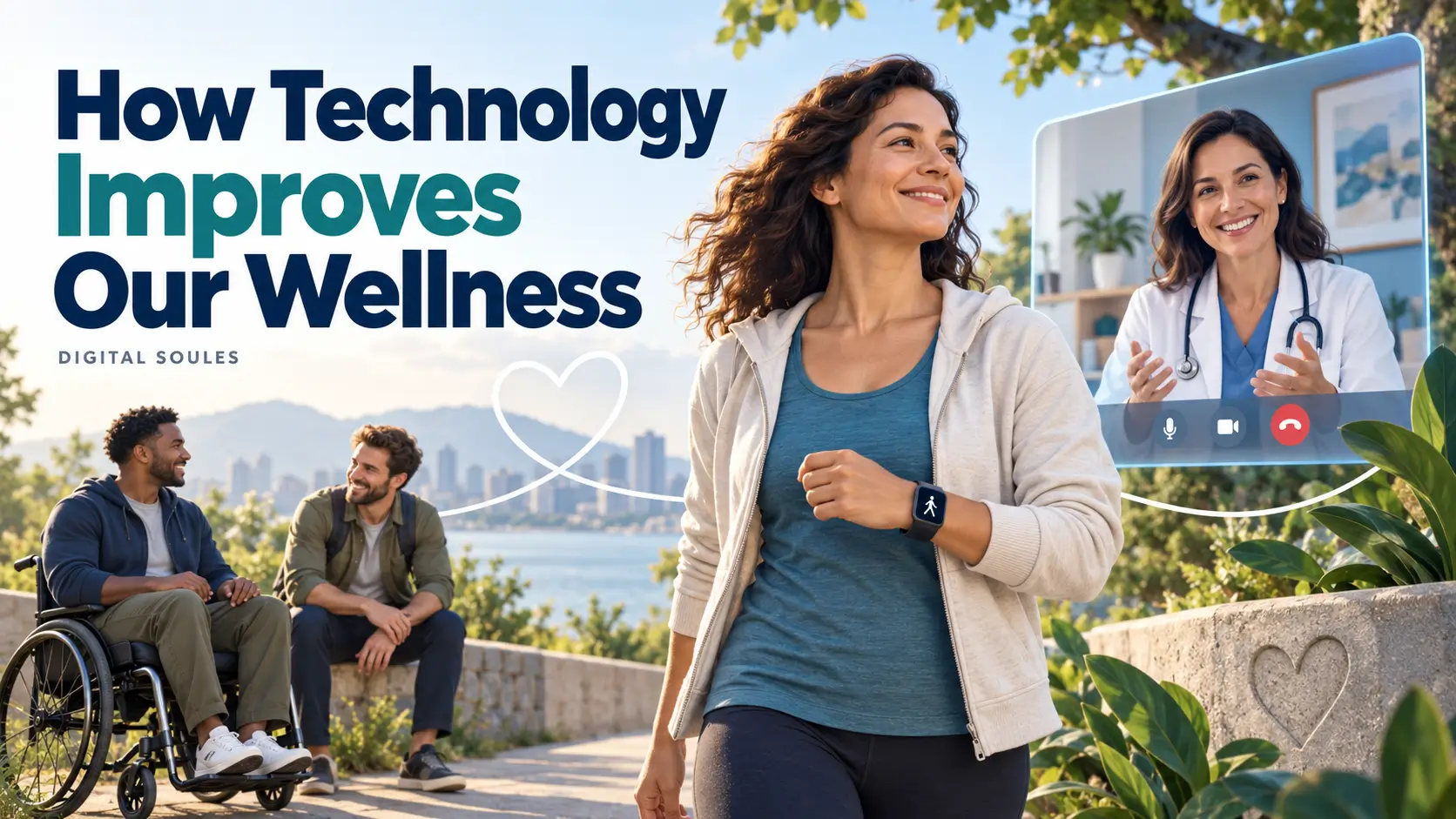
Development Of Technology has positively affected our wellness by improving the quality and availability of healthcare and helping us manage daily health.
Telehealth, medical devices, fitness tools, online therapy, and assistive technology make treatment, healthier habits, and independent living more accessible.
These benefits show up in ordinary situations. Someone can attend a suitable medical appointment without a long journey. A person with diabetes can follow glucose changes throughout the day. Someone with hearing loss can use captions to join a conversation.
The benefit comes from what each tool helps a person do. Recording more numbers or downloading more apps does not automatically improve health. Useful technology connects information with appropriate care, practical action, or meaningful support.
What does wellness mean in this context?
Wellness includes physical health, mental and emotional well-being, social connection, and the ability to manage everyday life. It involves both receiving appropriate care and building habits that support daily functioning.
Technology contributes in several ways. Medical equipment helps clinicians investigate problems. Digital services make some care easier to reach. Everyday tools support routines, communication, and accessibility.
This development is broader than smartphones. Hearing aids, medical imaging, and electronic prescribing also matter. Their value depends on reliable design, appropriate use, and access to people who can interpret the information.
9 ways technology has positively affected our wellness
1. Medical technology supports better diagnosis and safer treatment
Advances in medical technology give health professionals more ways to understand what is happening inside the body.
For example, MRI produces detailed images that help clinicians investigate disease and monitor treatment. It is particularly useful for examining many soft tissues, including the brain, muscles, and ligaments. The National Institute of Biomedical Imaging and Bioengineering explains these uses.
The improvement also extends to how treatment is organized. Electronic prescribing makes orders easier to read and can include checks for allergies, interactions, and unsuitable doses. These systems can reduce certain prescribing errors, although they can also introduce new mistakes and excessive alerts. AHRQ’s patient-safety review explains both effects.
For patients, this means technology can support more informed decisions and safer processes. It does not mean every newer test or device is necessary. A clinician still needs to decide which option fits the problem.
2. Telehealth makes suitable healthcare easier to reach
Telehealth allows patients and healthcare professionals to communicate through video, telephone, or secure messages. It can reduce travel, time away from work, and the need to arrange childcare for an appointment.
It can also connect people with providers farther away. These advantages are especially useful when travel is difficult or a suitable service is unavailable nearby. HHS outlines the practical benefits of telehealth.
Imagine someone discussing an existing treatment plan during a follow-up appointment. If their provider agrees that a remote visit is suitable, they may receive that support from home.
Reliable connections and usable websites help these services work. Our guide to the technology ideas that made the web quicker explains the infrastructure behind more responsive online experiences.
However, a remote appointment cannot perform every examination or procedure. Telehealth works best when patients can move to in-person care whenever their needs require it.
3. Remote monitoring supports care between appointments
Remote patient monitoring uses home devices to collect readings and share them with a healthcare team. Examples include blood-pressure monitors and appropriate glucose-monitoring systems.
Repeated measurements can show changes that a single appointment may miss. A care team can use this information to request another reading, arrange a consultation, or adjust a treatment plan. HHS explains how remote monitoring supports ongoing care.
A continuous glucose monitor, for example, uses a sensor to estimate glucose levels throughout the day and night. This can help someone with diabetes understand patterns and manage their condition with professional guidance. Some systems also provide alerts. NIDDK explains continuous glucose monitoring and its limitations.
The key is having a clear plan: how to take readings, who reviews them, and what to do when something changes. Automatically sending data does not mean someone is watching continuously. Remote monitoring is not an emergency service.
4. Fitness trackers can help people turn intentions into activity
Step counters and activity trackers make movement easier to notice. Someone who sits for much of the day can see their usual activity level and work toward a realistic improvement.
There is research behind this benefit. A 2022 systematic review of 121 randomized trials found that activity-monitor interventions increased physical activity on average. The pooled effect was equivalent to approximately 1,235 additional daily steps. However, evidence certainty for that outcome was low, and publication bias may have inflated the estimate. Read the BMJ review’s findings.
This does not mean buying a smartwatch automatically produces that result. The studies examined interventions involving feedback, not simply device ownership.
A practical use is to notice a pattern and act on it. For example, a person might use a reminder to take a short, suitable movement break. The useful outcome is the activity itself, rather than a higher number on a dashboard.
5. Digital services can improve access to mental-health support
Online therapy can make professional support easier to fit around travel, work, or mobility needs. Some digital tools also help people record moods or practise skills between sessions.
Evidence is strongest when the type of support is clearly defined. A 2024 systematic review found little or no difference between therapist-guided remote and in-person cognitive behavioural therapy, or CBT. Its main analysis included 51 trials involving 5,384 adults, with moderate-certainty evidence. Read the CMAJ systematic review.
That finding applies to therapist-guided care. It does not establish that every meditation app or AI chatbot provides equivalent treatment.
Before using a mental-health app, check who developed it, what research supports it, and how it handles sensitive information. NIMH explains that digital mental-health tools vary in evidence, quality, and privacy protections.
For someone seeking treatment, a useful first step is asking a qualified professional whether remote care fits their needs.
6. Simple digital tools can support sleep and eating routines
Technology can make everyday habits easier to organize. A bedtime reminder can prompt a wind-down routine. A digital shopping list can support planned meals. A food or activity log can help someone notice patterns.
NIDDK explains that tracking progress can reveal strengths, setbacks, and opportunities to change habits. The purpose is to use that information constructively. Tracking alone does not guarantee weight loss or prevent disease. Read NIDDK’s guidance on changing habits.
Sleep tracking needs similar care. Estimated sleep duration and bedtime patterns may be useful, but a consumer score cannot explain every sleep problem. The American Academy of Sleep Medicine advises focusing on helpful patterns and stepping back if tracking causes anxiety. See AASM’s guidance on sleep tracking.
A simple reminder may be enough. You do not need to measure every meal or every minute of sleep to build a useful routine.
7. Assistive technology improves independence and participation
Some of technology’s most meaningful wellness benefits involve helping people do everyday tasks with greater independence.
Hearing aids support communication. Wheelchairs support mobility. Captions make spoken content accessible. Speech-recognition tools can help people interact with devices when typing is difficult.
The World Health Organization describes assistive technology as supporting functions such as communication, movement, self-care, hearing, and vision. Appropriate tools can help people participate in education, work, family life, and their communities. Read WHO’s assistive-technology overview.
For example, captions can help a person follow an online appointment or training session. The outcome is access to an activity that might otherwise be difficult.
Affordability, fitting, training, and accessible design matter. A useful feature only delivers its full benefit when the person can obtain it and use it comfortably.
8. Reliable online information helps people understand their health
Technology makes health information easier to find and revisit. People can read about a condition, prepare questions for an appointment, or review instructions at their own pace.
The challenge is choosing reliable information. A confident social-media post or polished AI answer can still be incorrect or unsuitable for a particular person.
Before relying on a health page, check who wrote it, when it was updated, which evidence it cites, and whether it is selling something. MedlinePlus also recommends discussing relevant information with a healthcare professional before using it for personal decisions. Use its guide to evaluating health information.
This is where digital access becomes useful health knowledge: you can arrive at an appointment with clearer questions and a better understanding of the discussion.
9. Communication tools help people maintain relationships
Video calls, messaging, and online communities make it easier to stay in contact across distance. Someone living away from family can join a regular call. A person with a health condition can find others discussing similar experiences.
These tools create opportunities for connection, but they do not guarantee less loneliness. A 2020 Cochrane review found very uncertain evidence about video calls reducing loneliness among older nursing-home residents. Its small, specific evidence base should not be generalized to everyone. Read the Cochrane review.
Use technology to support relationships you value: arrange a conversation, join a well-moderated group, or organize an activity together. Treat health advice shared in communities as something to verify, even when it comes from a supportive person.
Which type of wellness technology fits your goal?
Start with the task you want help with. A general wellness app, a medical device, and an appointment with a professional serve different purposes.
| Your goal | Tool or service to consider | What it can help with | What to check |
|---|---|---|---|
| Make suitable appointments easier to attend | Telehealth through a qualified provider | Access to care with less travel | Whether an examination or procedure needs an in-person visit |
| Follow a diagnosed condition at home | A monitoring device agreed with your care team | Collecting readings between appointments | Device suitability, correct technique, and who reviews results |
| Become more active | A phone step counter, pedometer, or activity tracker | Awareness, reminders, and progress tracking | Whether feedback leads to useful activity rather than pressure |
| Access mental-health treatment | Remote care from a qualified professional | Assessment and appropriate ongoing support | Credentials, suitability, privacy, and costs |
| Organize sleep or meal routines | A calendar, reminder, or simple log | Planning and noticing habits | Whether the tool is helpful and easy to maintain |
| Improve access to everyday tasks | Captions, speech tools, or suitable assistive equipment | Communication, participation, and independence | Accessibility, training, fitting, and support |
A product’s appearance does not establish its medical capabilities. Check the exact feature and intended use. A general fitness tracker should not be treated as a replacement for clinically appropriate monitoring.
For example, a watch displaying readings from an authorized glucose sensor differs from a watch claiming to measure glucose independently. The FDA warns against watches and rings claiming to measure blood glucose without piercing the skin. Its guidance explains the distinction.
How to use technology for better wellness: a practical starting process
Step 1: Choose one problem you want to solve
Be specific. You might want to attend follow-up visits more easily, remember a routine, or make time for regular movement.
Choose a goal you can recognize in daily life. “I want to take a suitable movement break during my workday” is easier to act on than “I want better health.”
Step 2: Check what you already have
Look at your phone’s reminders, accessibility settings, calendar, or step counter. Ask your healthcare provider which digital services they already offer.
An additional subscription may be unnecessary. Start with a tool you can understand, afford, and use consistently.
Step 3: Match the tool to the level of support you need
For ordinary planning, a basic reminder may be enough. For a diagnosed condition, ask your care team about appropriate equipment and instructions.
Check evidence for the specific product and purpose. A study showing that one supervised programme worked does not validate every app in the same category.
Step 4: Review privacy and accessibility
Check what information the tool collects, who receives it, and whether you can delete your account and data. Review optional permissions before enabling them.
Health information in a consumer app may have different protections from a medical record. In the United States, for example, some health apps are outside HIPAA’s coverage. The FTC explains this privacy distinction.
Also check text size, captions, language options, connection requirements, and ongoing costs. Ease of use is part of whether the tool will be useful.
Step 5: Connect the tool to a practical action
A reminder needs a next step. Decide what you will do when it appears and choose a time that fits your day.
For medical monitoring, follow your clinician’s instructions about timing, technique, and responding to readings. Ask how to get help if the device stops working.
Step 6: Judge the result by your life, not just the app
After trying a nonmedical tool for a short period, consider whether it makes the intended task easier. Are you following the routine? Is the service reducing a practical barrier? Is tracking becoming stressful?
Adjust or simplify optional tools when they are unhelpful. Discuss changes to prescribed monitoring or treatment with your care team.
What can limit technology’s positive effects?
Cost, poor connectivity, inaccessible design, and unfamiliar interfaces can prevent people from benefiting. A service that offers telephone support or assisted setup may work better for someone than a complex app.
More screen time can also interfere with the habits a wellness tool is supposed to support. Protect time for movement, relationships, and rest. NHLBI recommends a quiet period before bed and avoiding bright screen light close to bedtime. Read its healthy sleep guidance.
Finally, numbers need context. A device alert may require follow-up, while a reassuring reading cannot explain every symptom. Use appropriate medical support when you need assessment, rather than relying only on an app.
Frequently asked questions
What is the main positive effect of technological development on wellness?
It has improved the quality and availability of healthcare. Technology also supports daily habits, access to information, communication, and independence. The benefit depends on the tool, the person’s needs, and how it is used.
Do you need an expensive wearable to benefit?
No. Phone reminders, accessibility features, simple activity logs, and available telehealth services can be useful starting points. A wearable is worthwhile when its features serve a clear purpose and fit your budget.
Is a fitness tracker the same as a medical device?
Not necessarily. Some wearables include specific regulated medical features, while other functions are intended only for general wellness. Check the exact feature’s intended use and validation before relying on it for medical decisions.
Can technology replace a doctor or therapist?
Technology can connect you with professionals and support their work. General wellness apps and AI assistants cannot replace every examination, professional assessment, or treatment decision. The evidence for therapist-guided online care should not be extended to unrelated chatbots.
How can older adults benefit from wellness technology?
Suitable tools can make appointments easier to attend, support communication, and help with everyday tasks. Large text, captions, straightforward controls, and patient training can make the experience more accessible. The best choice depends on the person’s preferences and needs.
Start with one useful change, whether that is arranging an appropriate remote appointment, enabling captions, or setting a practical reminder. Keep the tools that make care or daily life easier, and build from there.
Research checked October 2, 2026. This educational guide draws on public-health guidance and published research. Examples are illustrative; it does not provide an individual diagnosis or treatment plan.



